STEP 01
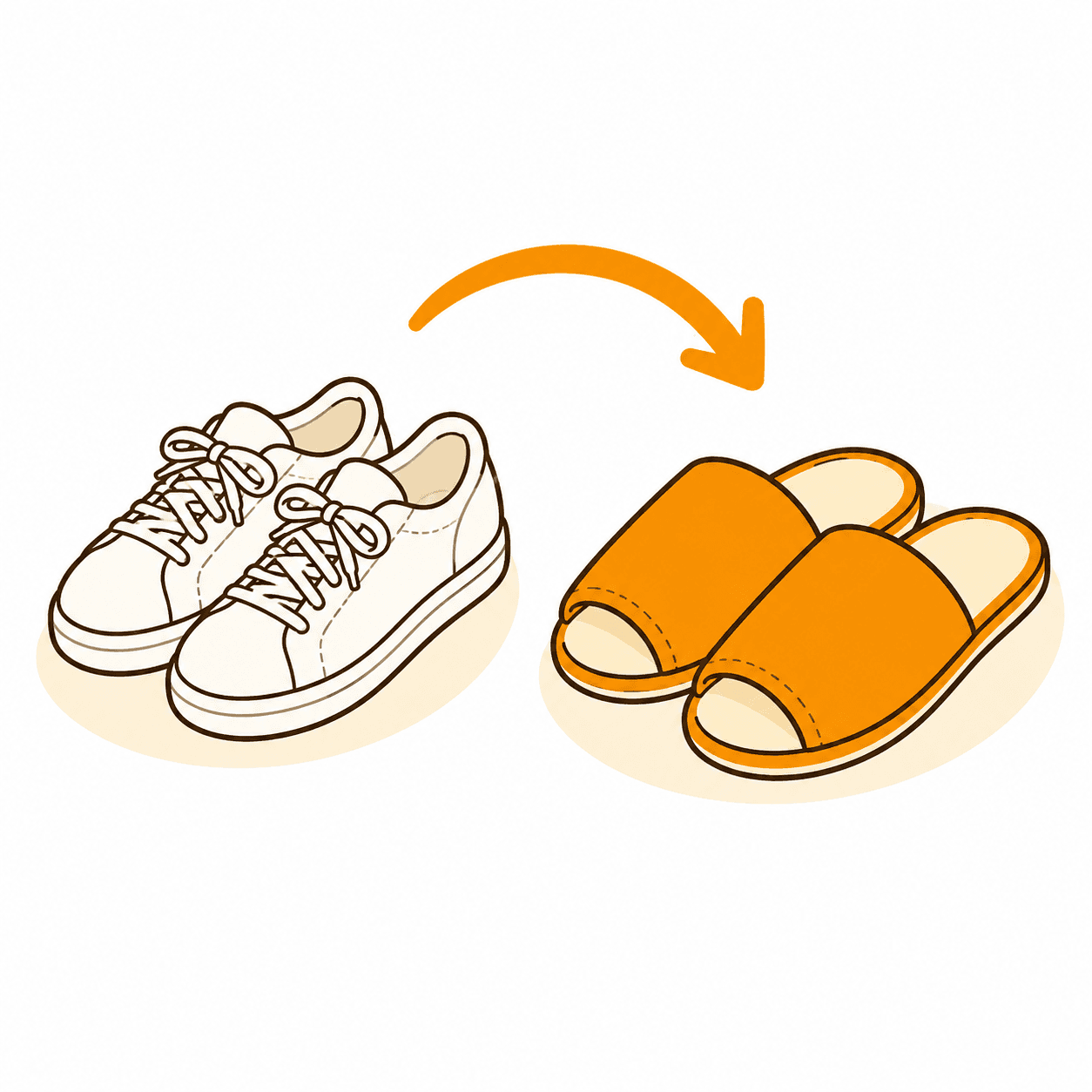
Change into slippers at the entrance. Outdoor shoes are not allowed inside.
 Self-service massage shop
CHOCOMA
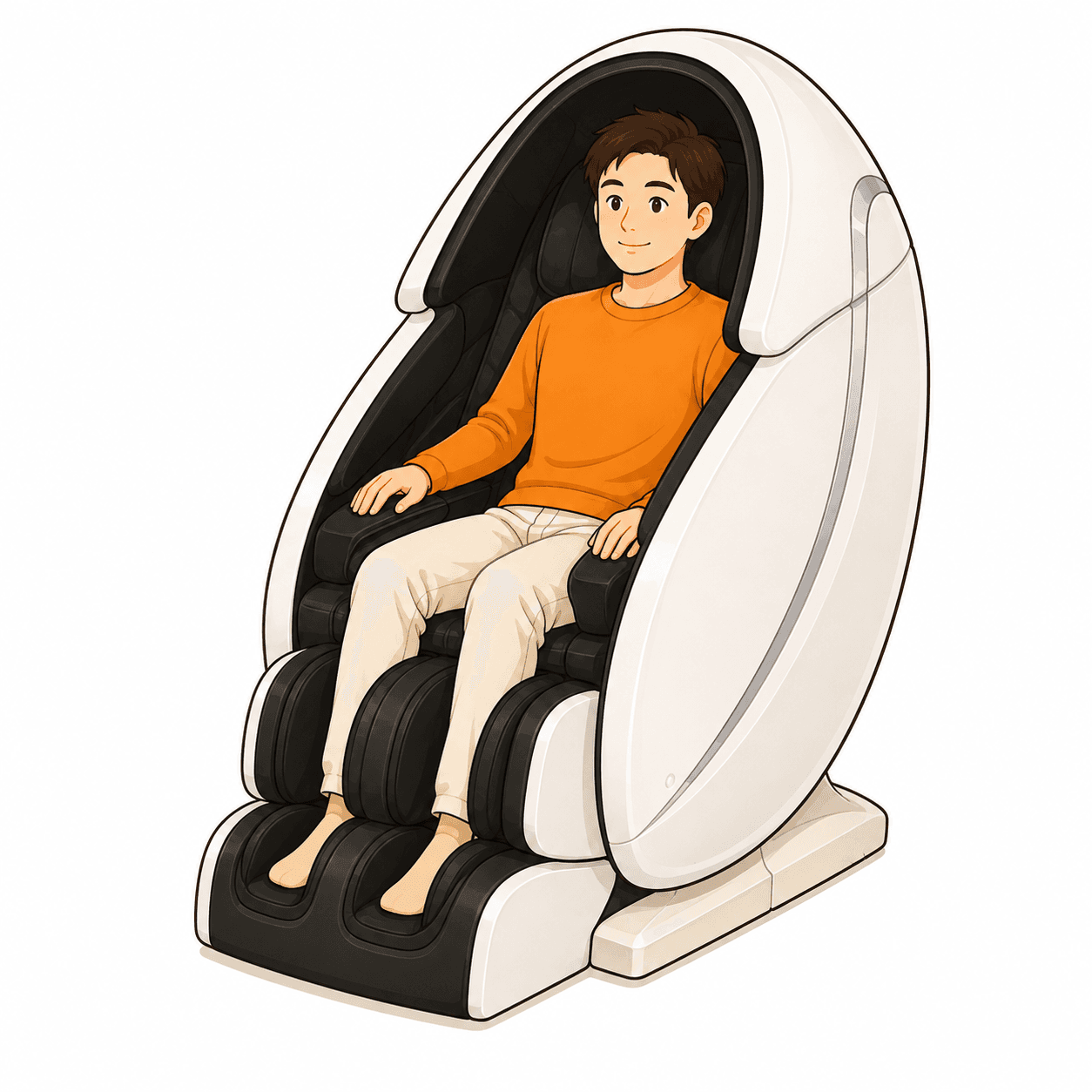
No reservation or reception needed. Sit in an available chair before paying.
Change into slippers at the entrance. Outdoor shoes are not allowed inside.
Sit in the chair before paying: it starts as soon as payment is made.
Pay ¥300 for 10 minutes with cash or a supported cashless payment method.
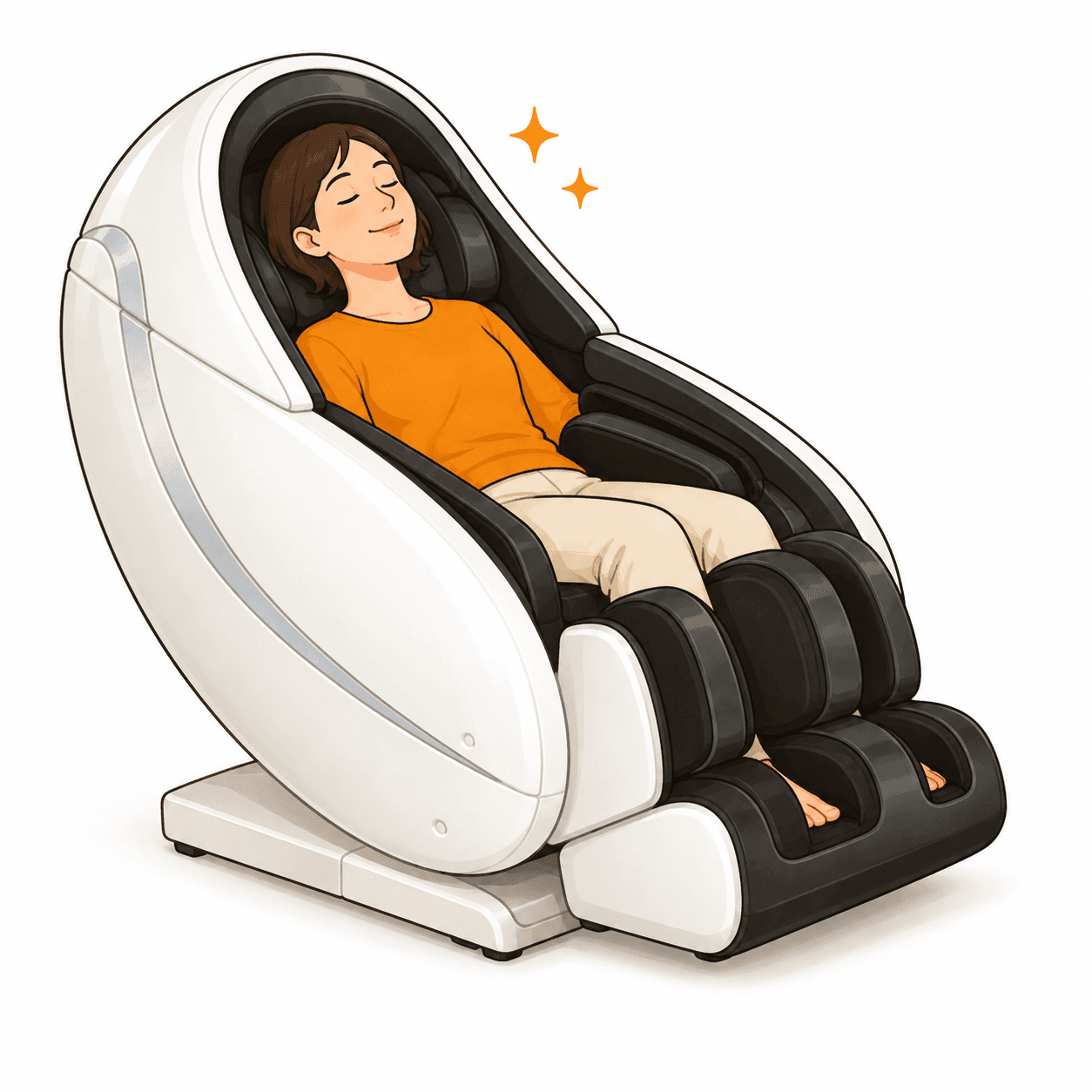
Relax. The recommended zero-gravity course runs unless you change the settings.
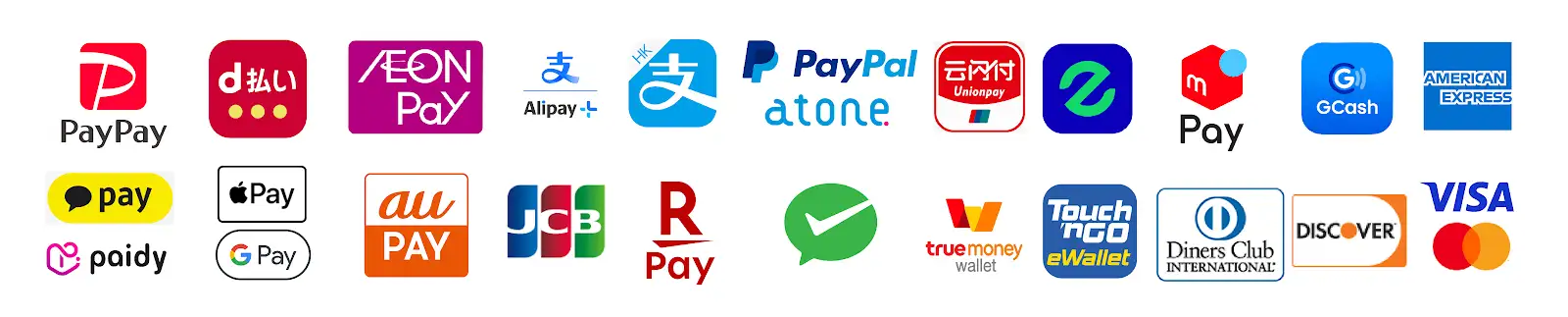
Please check the payment options shown on the in-store payment screen.
CHAIR SETTINGS
You can enjoy the recommended course without changing anything. To focus on a particular area, follow these steps. The Japanese labels below match the controls in the photos.
Press the “画面切替” button on the right side of the remote to show the course selection screen.
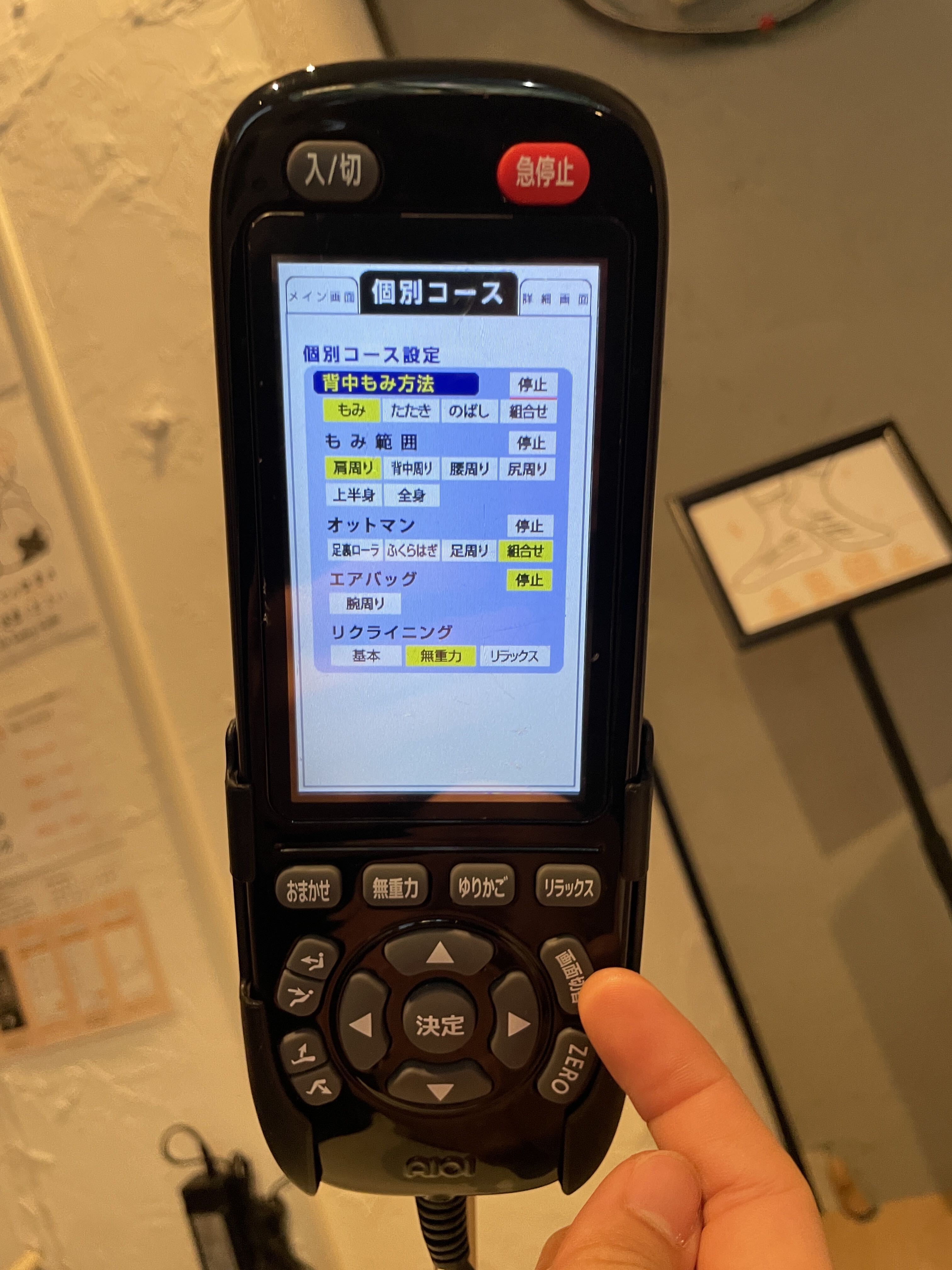
Open “個別コース”, then select your preferred massage technique and massage area, such as the shoulders or back.
Open “詳細画面” and move the shoulder massage position up or down to suit your body.
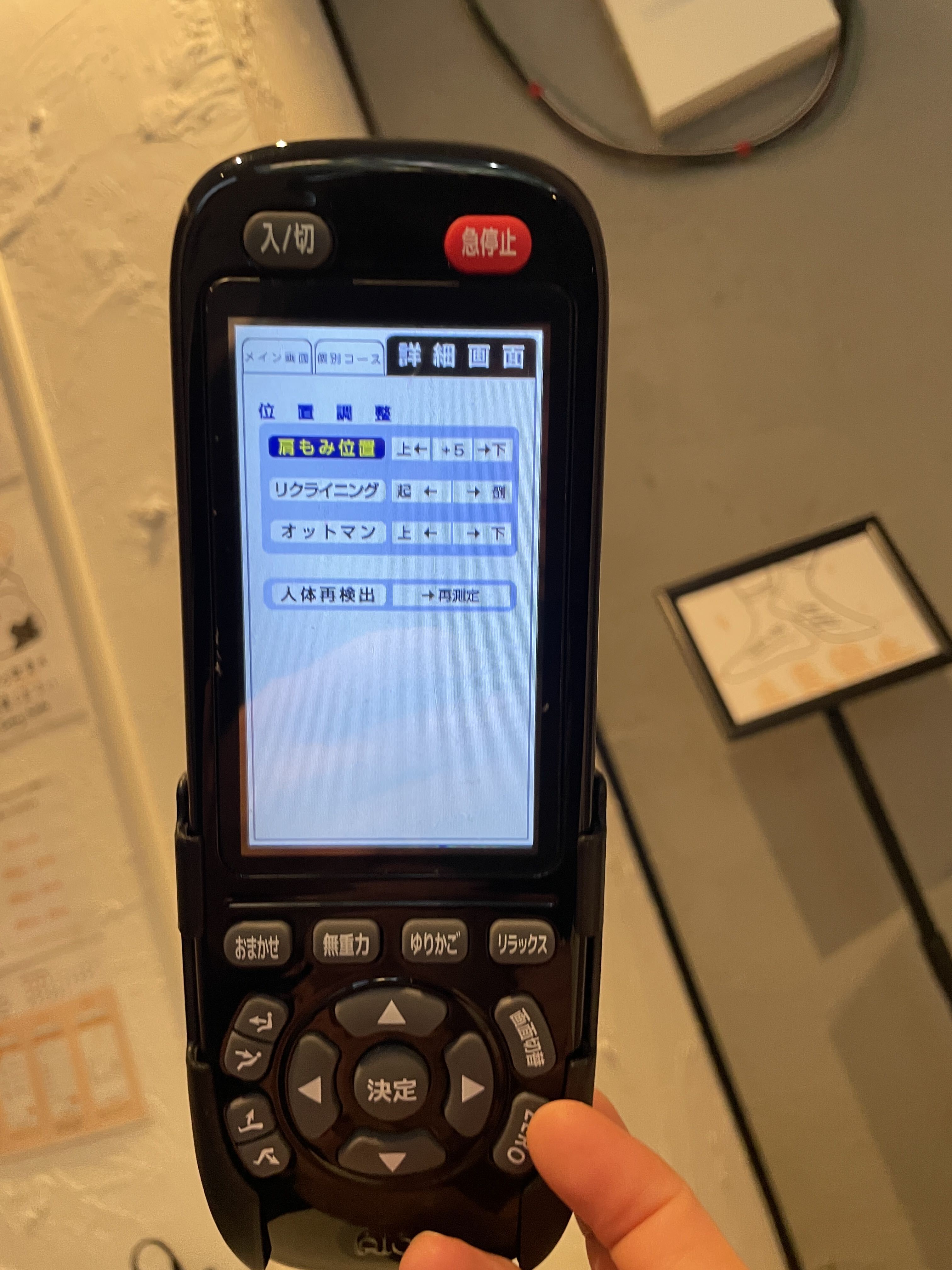
Yes. Use “個別コース” to select the massage technique and area, then adjust the shoulder position in “詳細画面”.
See the photo guide →